
In enterprise environments, log collection often looks like a solved problem. The real mess starts when logs arrive in different formats, some records flow needlessly into expensive destinations, and teams want to use the same data for different purposes. That’s exactly where the need for a centralized routing pipeline shows up. Vector, with its lightweight runtime model and flexible transformation layer, is a strong response to that need.
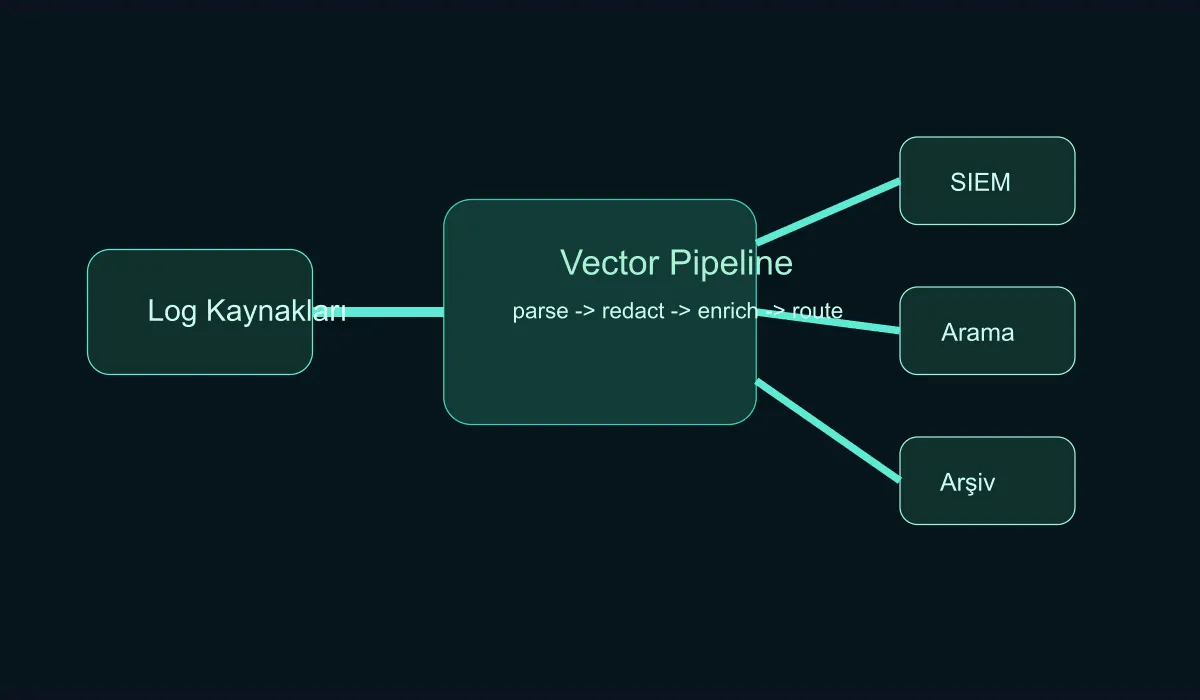
Why put a routing layer in between?
Sending logs straight from applications to the SIEM, the archive, and the analytics system seems clean at first. But these problems show up quickly:
- Each team produces a different format.
- Masking of sensitive fields stays inconsistent.
- The same log needs to reach multiple targets with different filters.
- A problem at the destination can ripple back to the application layer.
Vector steps in here as a buffer, transformation, and routing layer.
Pipeline design starts with classifying the streams
In a centralized log path, the first job isn’t to dump everything into one bucket. First clarify these classes:
- Operational application logs
- Security events
- Audit records
- Low-value debug or short-lived logs
Without this split, dumping everything into the SIEM raises cost and lowers analytical value.
How is the basic flow built with Vector?
A typical setup follows these steps:
- Identify sources: file, syslog, container stdout, or agent input
- Normalize common fields
- Mask or drop sensitive data
- Filter by destination
- Configure retry and buffer settings
Vector’s strong point is keeping the transformation chain in a readable structure.
[transforms.parse_json]
type = "remap"
inputs = ["app_logs"]
source = '''
  . = parse_json!(.message)
  .environment = "production"
'''Which enrichments deliver value?
When enriching logs on the central path, the following fields are practically very useful:
environmentserviceteamregioncompliance_scope
Without these, a log is just text. With these, routing, search, and alerting rules become much more meaningful.
Multi-destination strategy
In mature setups, a layered strategy is healthier than a single ultimate destination:
- A SIEM for real-time events
- A fast-search platform for operational investigation
- Object storage for long-term retention
This balances both cost and performance. By defining filters and routes through Vector, you no longer have to send the same load to every destination.
Operational watch points
- In a backpressure situation, monitor buffer fill closely.
- Manage transformation rules in Git.
- Don’t ship sensitive-data masks to production without testing.
- Don’t let agent versions drift apart.
A central log path looks like infrastructure work, but data quality directly affects incident response.
Conclusion
Building a centralized log routing pipeline with Vector isn’t just about moving logs around; it’s about turning logs into a manageable data product at enterprise scale. With the right classification, enrichment, and multi-destination strategy, cost, security, and operational visibility all improve at the same time.